


Empower students with seamless access to their school information across any device
The iSAMS Student Cloud Portal provides students with a centralised, self-service hub for accessing their timetables, homework, attendance, and school updates.
Designed with students in mind
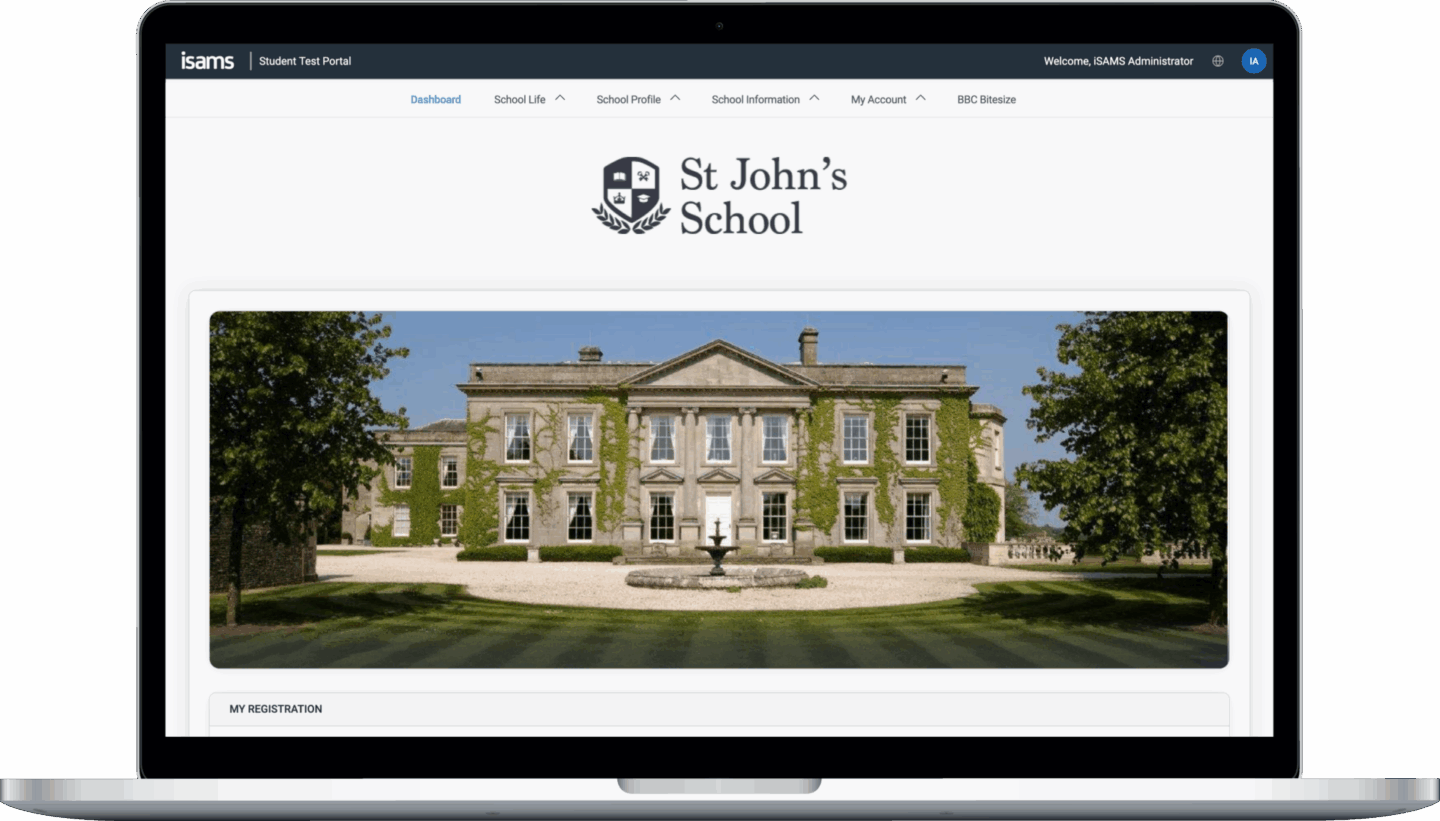
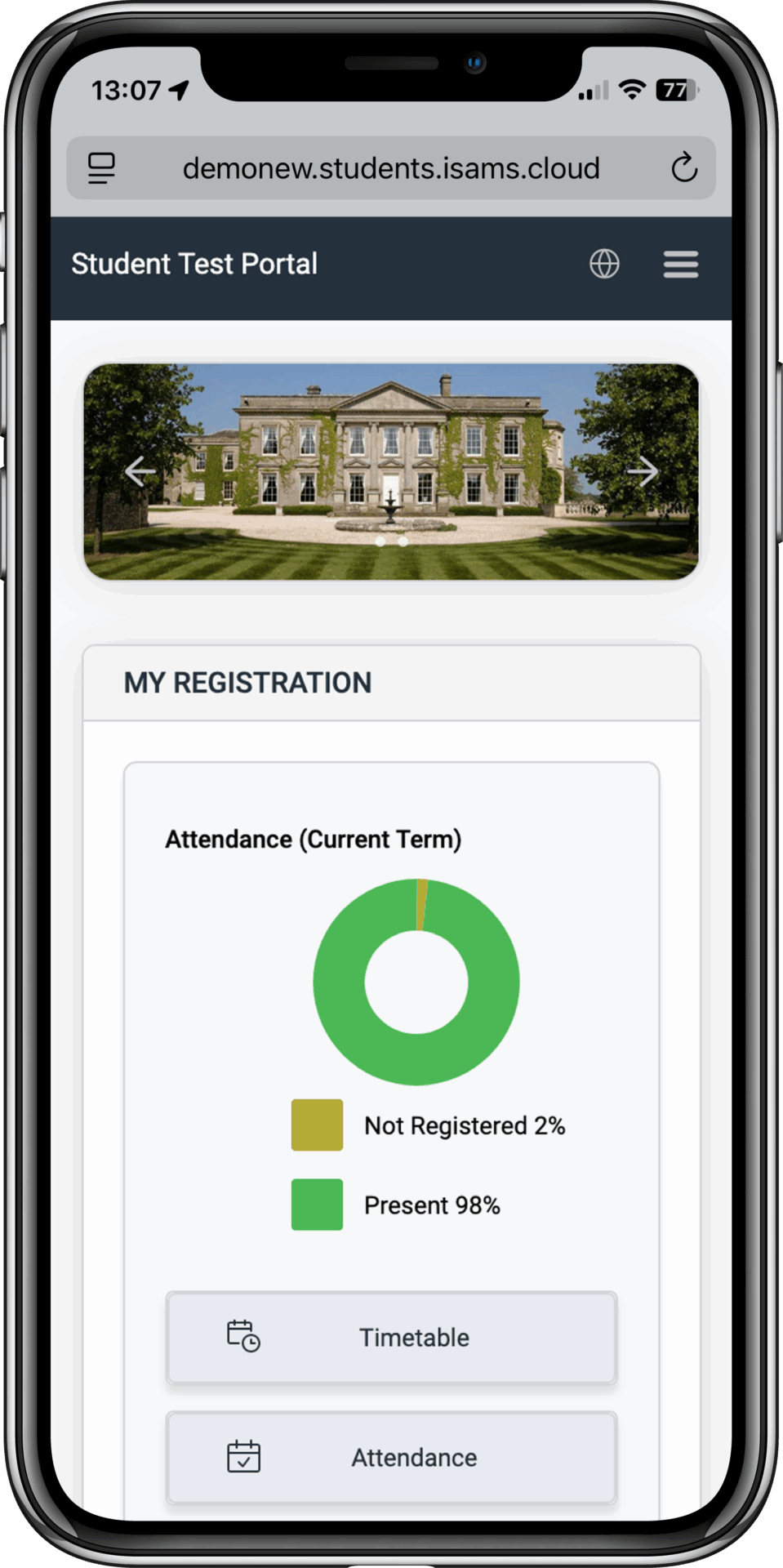
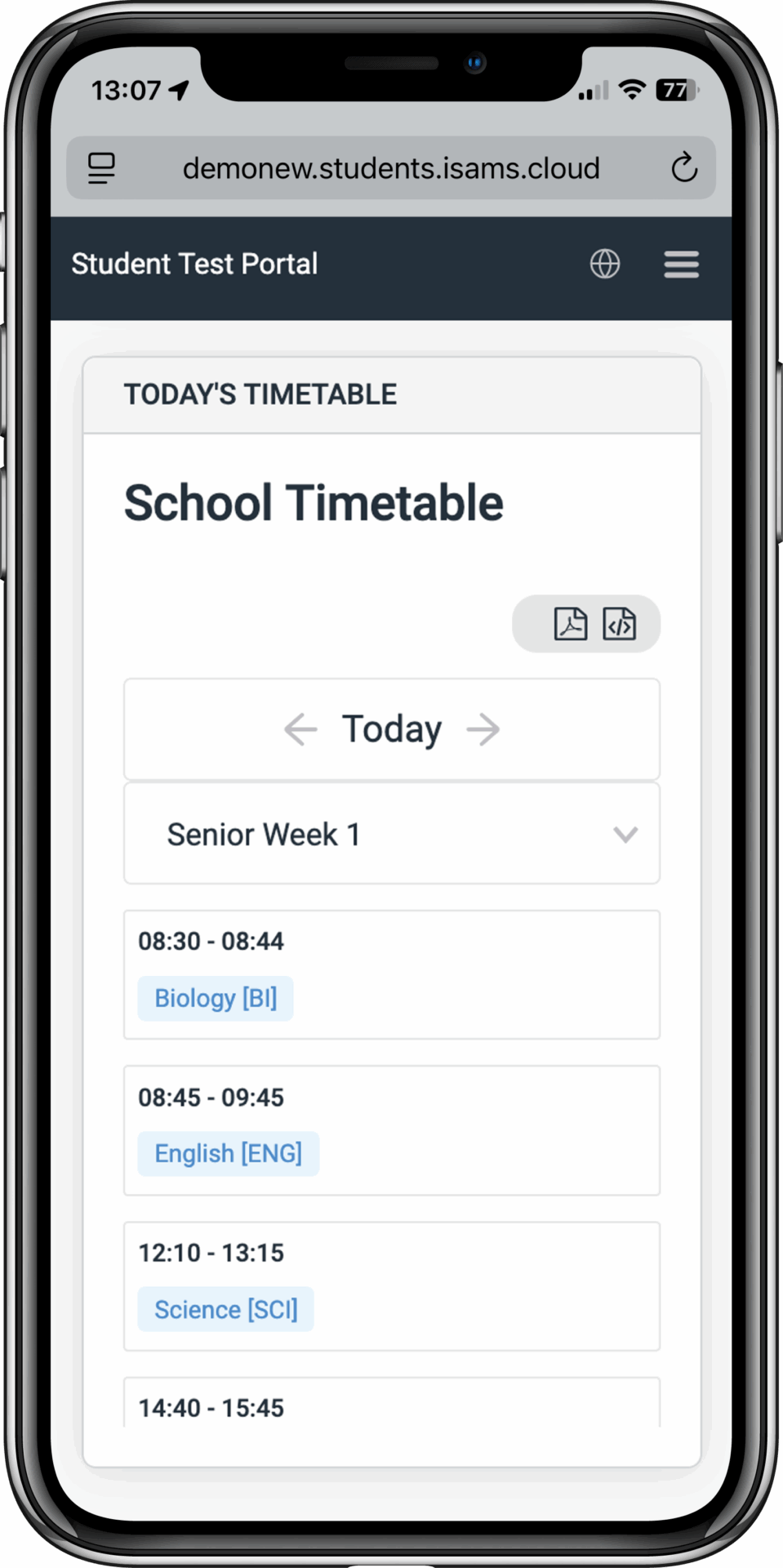
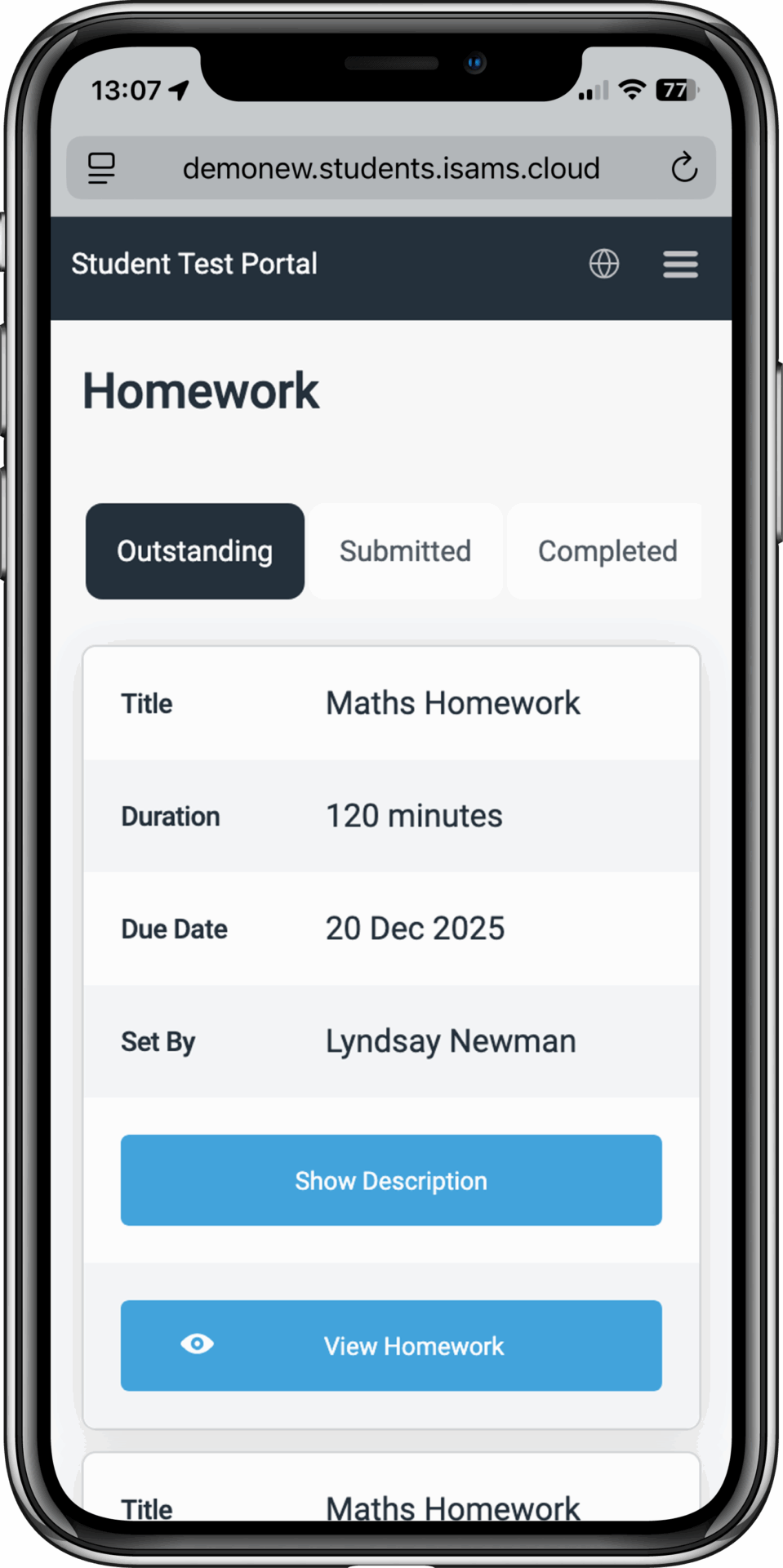
The Student Cloud Portal offers an intuitive, accessibility-first interface that helps them stay organised and engaged with school life. Students can view their daily schedules, track homework assignments, monitor attendance, and receive real-time push notifications for important updates – all from their preferred device.
The platform provides a detailed view of a student’s timetable, attendance records, homework assignments, and exam schedules. It offers full customisation to fit your school’s branding, with all actions logged for accountability. You can track portal analytics, and once set up, the platform requires minimal maintenance.
Are you a student from a school using iSAMS?
If you’re a student looking for your school’s student portal, you may find more information about where to find this, click here.
Features overview
Customise the platform by modifying the styling and content to reflect your school’s brand. You can also adjust the navigation to include content from other websites or services, creating a truly personalised student experience.
New dedicated Homework module – Students can view outstanding assignments with deadlines, access supporting documents and links, and track their homework completion. The homework widget on the dashboard helps students stay on top of their tasks.
Document all student portal activity within iSAMS, including useful statistical data such as hits categorised by time, day, and month, as well as navigation patterns, content utilisation, errors encountered, and bandwidth usage.
A streamlined process enables students to easily register and log in. Students receive an activation code to set up their account securely.
Shows information and news content from the Daily Bulletin module, News Manager, Calendar Manager and the School Directory. Includes photo galleries and picture management.
Students can view their own contact information and submit updates through an authorisation system, allowing the school to oversee changes and ensure data accuracy.
Includes tools to allow students to reset their password autonomously and recover their username if they forget it.
Unlimited email groups so students can join mailing lists to stay up to date on school announcements, extracurricular activities, and important updates.
View daily and weekly timetables with print and export options. Students can see all their teaching groups and quickly access their schedule for upcoming lessons.
Provides access to attendance information including school and lesson registration, future absences, and medical exemptions. Students can monitor their attendance records in real-time.
Access to discipline details, such as detentions and reward and conduct records. Students can track their achievements and any behaviour points.
See activity groups, events and timetables from the Activities module. Students can view their extracurricular commitments and upcoming school events.
Shows exam arrangements, exam entries, exam timetables and exam results from the External Exams module. Students have centralised access to all their examination information.
View school reports including assessment data and reports from the School Reporting module. Students can access their academic progress and teacher feedback.
Includes an electronic forms system so students can fill in key forms, such as trip permission forms or data collection requests. Responses can be processed efficiently through iSAMS.
Provides a document repository where schools can publish important documents to individual students or groups based on year, house, or teaching group.